Get the official installer
Use the download link above. Save it to your Windows PC.
OFFICIAL WINDOWS DOWNLOAD
SMT Hotspot Tool 1.38 brings supported hotspot repair and configuration into one Windows application.
↓ Free SMT Tool download · 1.38Windows 10 / 11 · Updated October 23, 2026 · Free installer
RELEASE UPDATE · OCTOBER 27, 2026
Choose Unlimited All Services at $299/month or Carrier Unlock Only at $265/month. Both renew monthly until canceled. Covered jobs still record normal credit usage with 0 deducted. Remote modem plans, paid Internet suspension and ConnectMe are separate. The full feature tour below was recorded with version 1.32; its page layouts remain applicable.
Recorded with SMT 1.32 · 18 chapters · English captions
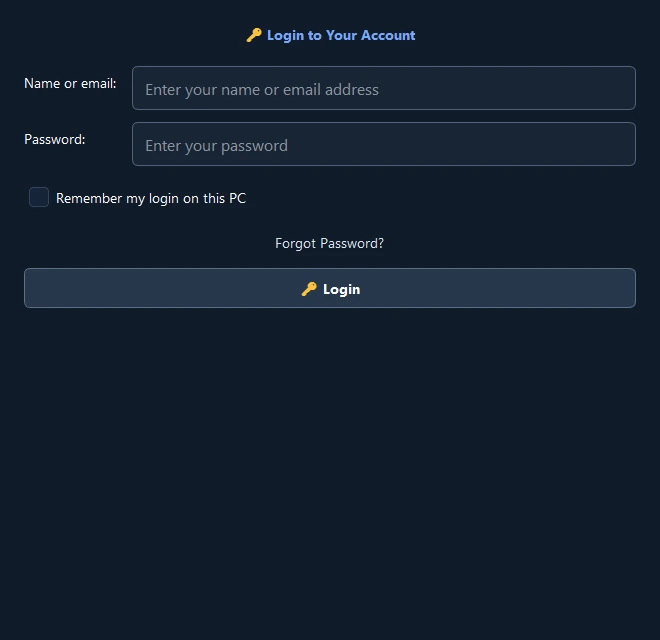 Enlarge screenshot ↗
Start with your SMT account
GET UP AND RUNNING
The installer is free. Paid device operations require service credits.
Use the download link above. Save it to your Windows PC.
Follow the driver installation guide for your device, then connect by USB.
Buy credits with the same email you use in the SMT application.
KEEP THE DOWNLOAD HANDY
Get the official download link and setup instructions by email.
Tell us a little about your question. You can keep browsing while we chat.
Your request is in our support inbox. We’ll follow up by email during our support hours.